 OpenBrain
A place to think.
Write daily notes and project context directly. Rich text, selection formatting and autosave keep the writing flowing.
Your ideas, notes, projects and sources—connected in one second brain. For you to think with. For your AI to build on.
Working product. Private access. A lot more to come.
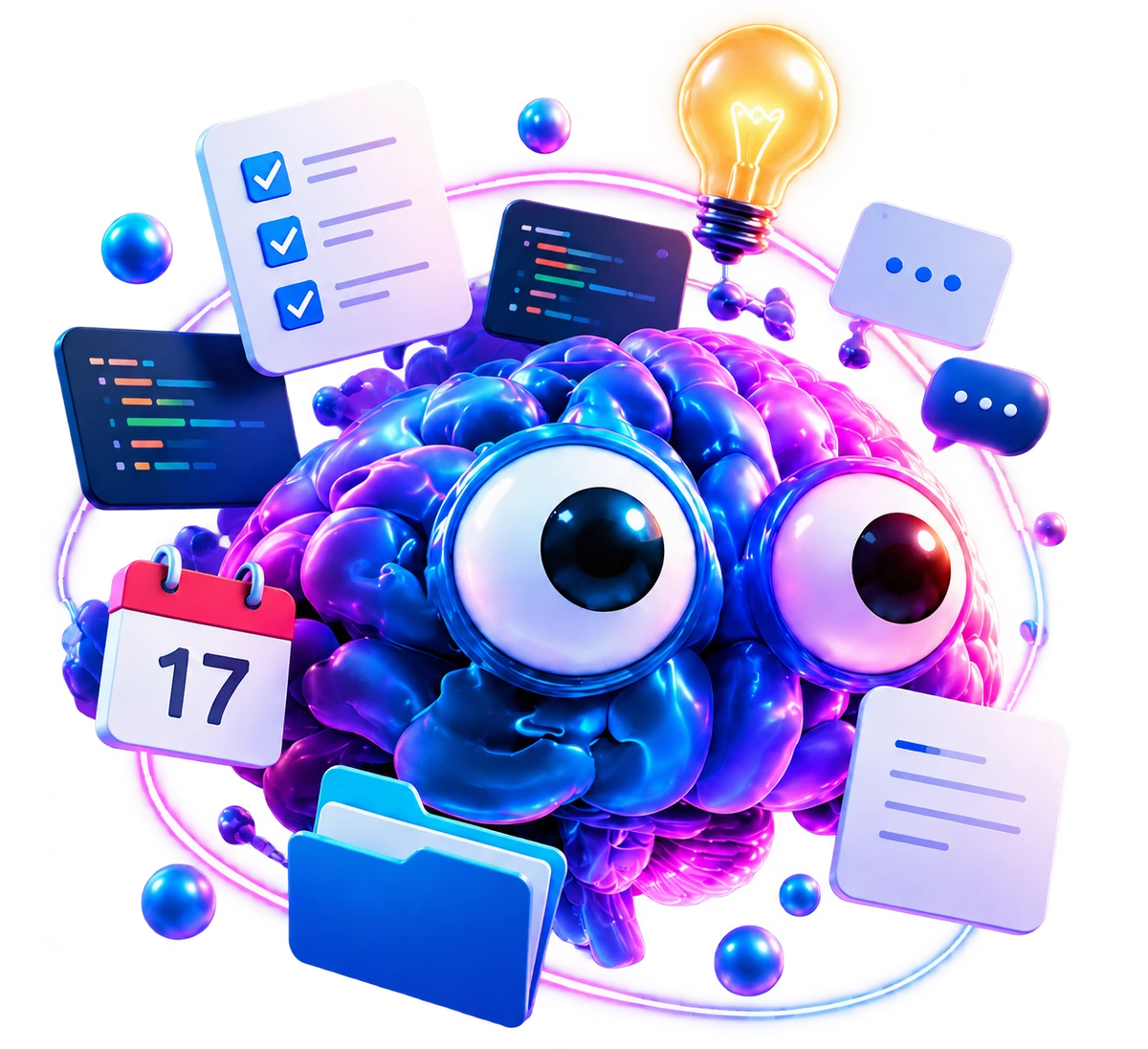 a little context
Keep the context. Choose the assistant. Connect your favorite AI through MCP or REST, and let it pick up the thread.





A shared brain, with a connection you control. ChatGPT, OpenClaw and Hermes have verified OpenBrain connections. Claude Code, Gemini CLI, Cursor and Codex support MCP; setup and authorized access are required. Capabilities depend on the client.
Building your own? MCP + RESTLogos identify their respective products. No partnership or endorsement is implied.
Good ideas rarely arrive neatly organized. Capture the thought, connect the context, and give it somewhere to go.
Explore a warmer visual direction. Keep the references, decisions and next actions together.
Notes, projects and AI context belong together. You can start with a rough thought and add structure when it helps.
Write daily notes and project context directly. Rich text, selection formatting and autosave keep the writing flowing.
Pin and order projects, choose icons and colors, and switch Card or List views. Subprojects and a compact Kanban or Next up list keep work focused.
Browse notes, sources, projects and images. Use collections to group notes and images, with image tags, details and fullscreen browsing.
Press ⌘K to find notes, sources, projects, tasks and images. One contextual New dialog adds the next piece.
Ask your knowledge a question. Follow the evidence back to the original source, and keep the context behind an answer.
A native SwiftUI iPhone app and a working private ChatGPT integration share the same records as the web workspace.
A note, a link, an image, a task. Add it through New, the iPhone app or an authorized AI assistant. No filing ceremony required.
Sources keep their provenance. Processing extracts useful knowledge. Projects and shared collections give related work a home.
Find the reference. Ask a grounded question. Pick the next task. Let your assistant work from your records instead of another blank chat.
You and your authorized agents work with the same notes, projects, tasks and images. One canonical record, whichever interface you use.
The private ChatGPT connection works today. Other compatible clients can connect through MCP or REST with their own configuration.
Meet the agent-native brainRetrieve context. Propose changes. Keep you in control.
One payment. Twelve months of Cloud. No automatic renewal. The first ten founding passes start at $29; each next batch of ten increases by $10, up to $79.
See live availabilityAn agent-native second brain: a workspace for daily notes, projects, tasks, sources and images, plus a shared knowledge layer your authorized AI assistants can use.
The web workspace is available with paid Cloud access. Join the Founding 60 to get started, then use Google or email to create your account. The native iPhone app remains a private build, not an App Store release.
No. Retrieval and AI processing have limits. OpenBrain preserves original sources, shows evidence for grounded answers, and keeps revisions so you can inspect and correct the context.
Compatible clients can connect through the REST API or the 86-tool MCP interface over HTTP or stdio. Access needs configuration and an authorized identity; capabilities depend on the client.
The repository is currently private. A free self-hosted Community edition is planned. Cloud pricing is $9 monthly or $90 annually when subscriptions launch. The Founding 60 offer includes 12 months for a single payment, from $29. Creating an account does not include free Cloud access. See pricing and availability.
OpenBrain is growing. Explore Founding 60 and the plans for Cloud and Community.